Less copying. More studying.

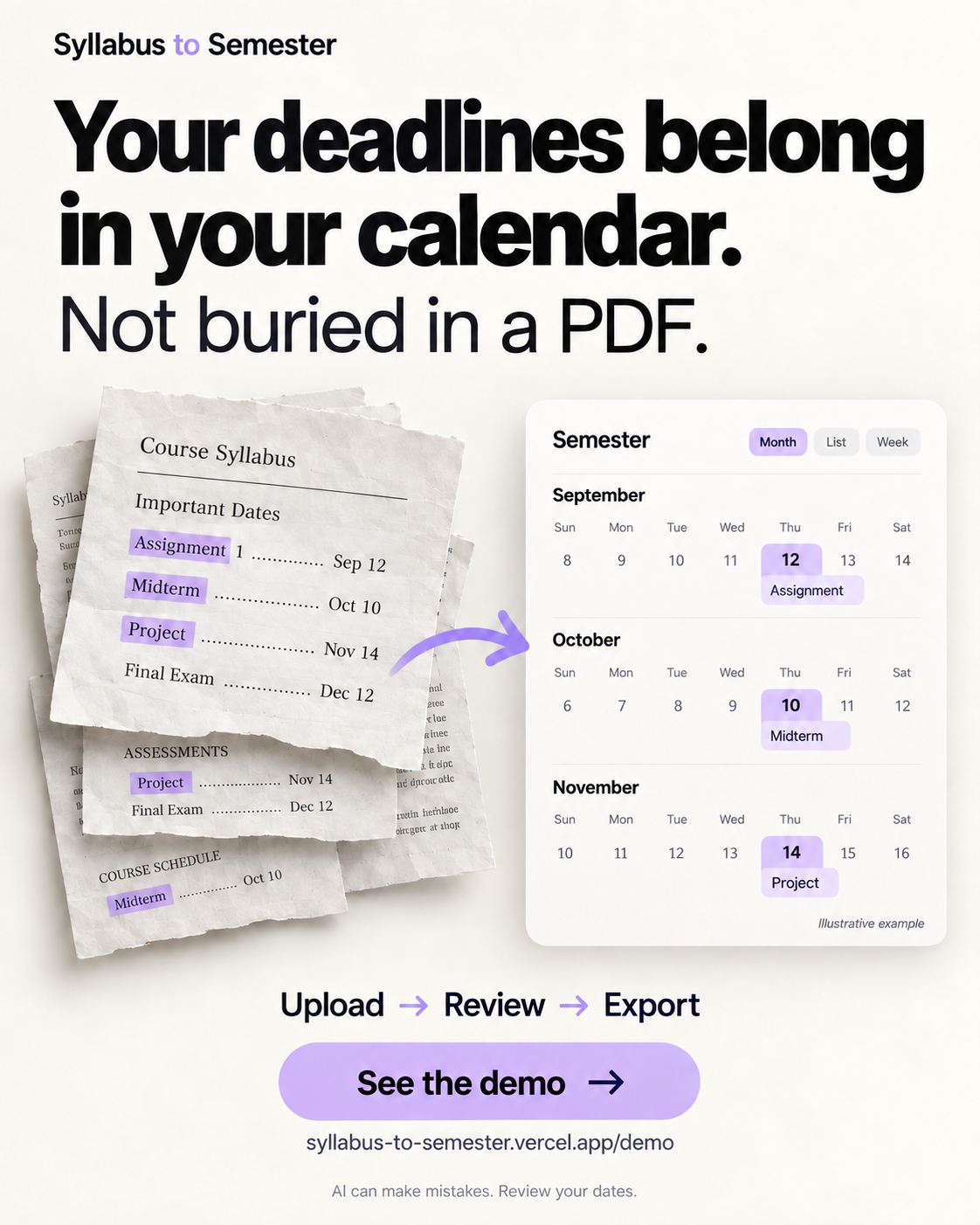
Your deadlines belong
in your calendar.

Not buried in a PDF. Turn your syllabus into dates you can review, then export to the calendar you already use.

Explore the sample

No upload, account, or payment needed for this sample.

Try the free walkthrough

One syllabus. A clearer semester.

Fictional sample · not a live extraction
DEMO 101FALL 2026

Course syllabus

Assessment schedule

Assignment 1 is due October 8, 2026 (15%).

The midterm is October 22, 2026 at 2:00 p.m. (25%).

The final project is due November 12, 2026 (30%).

The final exam date will be announced later (30%).

Illustrative course · no real student or instructor data

Now free for your real courses

Bring your own syllabus.

Upload, review and export for free.
No account, payment or credits required. Fair-use limits apply.

Convert your syllabus for free

What to know

You review the result. Always compare dates and times with the original syllabus.

Your calendar, your choice. .ics file import supports Apple, Google, and Outlook. Google and Outlook file import is generally done on desktop. The optional read-only subscription flow is Apple-specific.

Documents stay private. Original files are processed for extraction and are not permanently stored. Read the privacy details.

Useful for your course?

Help a classmate skip the manual calendar setup.

https://syllabus-to-semester.vercel.app

The quick version

Watch the 22-second walkthrough.

A motion-graphic overview using fictional dates, with original background music. Works with sound off, too.
Download the video with musicDownload the silent versionDownload the poster